Free Whole Foods Receipt Generator
A Whole Foods receipt generator lets you create a formatted record of a Whole Foods purchase, used by shoppers who need documentation for returns, resale, or expense records. ReceiptMaker provides a Whole Foods-style receipt template you can fill in and download as a PDF or PNG in under 2 minutes. No watermarks. No subscription required.

PNG, JPG or SVG. Logos print in black & white on the receipt.
Enter address, phone, website, and other details here. They appear as written.
Live Preview
Click any section to open it in the editor

What's in the Whole Foods Receipt Template
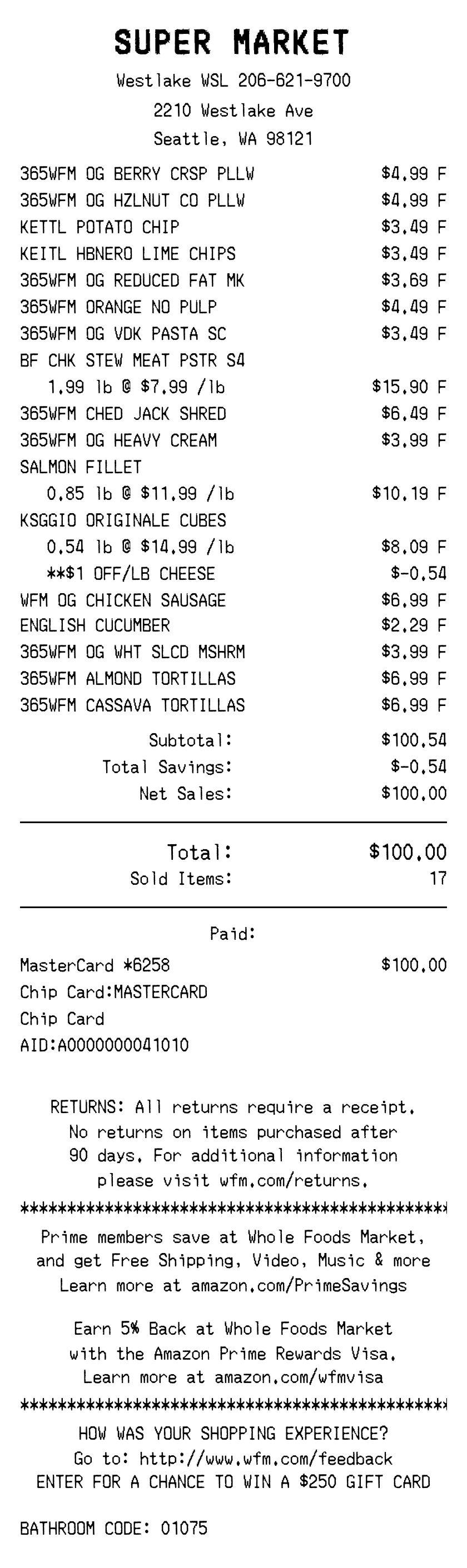
The Whole Foods Receipt template includes the fields most commonly needed for this type of receipt.
- Store name and location
- Purchase date and time
- Item names, quantities and prices
- Subtotal, tax, and total
- Payment method
- Transaction reference number
- Whole Foods branding and receipt formatting
All fields are editable. Add, remove, or relabel any line to match your actual transaction.
Common Uses for a Whole Foods Receipt
- Returns and exchanges: Whole Foods typically requires a receipt for returns within the policy window. If the paper receipt was lost, recreate it here.
- Expense records: Keep clean documentation for reimbursement and expense reporting.
- Proof of purchase: Provide a record of the original purchase for warranty or insurance claims.
- Replacing a lost or faded receipt: Thermal Grocery receipts fade over time — recreate a legible copy with the original details.
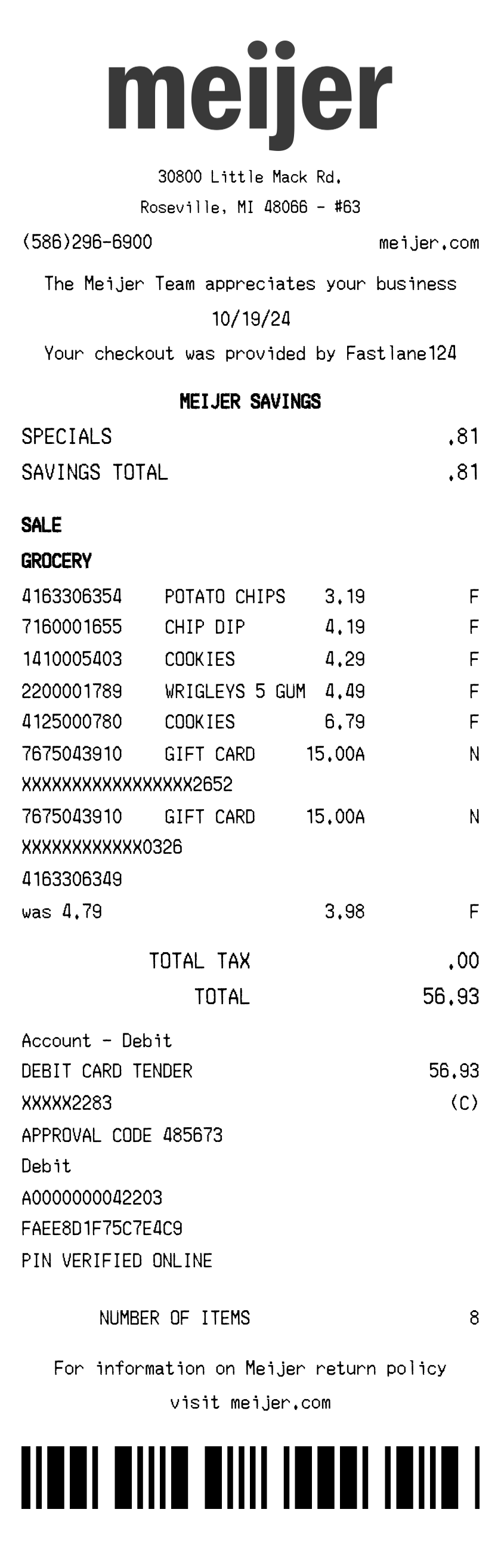
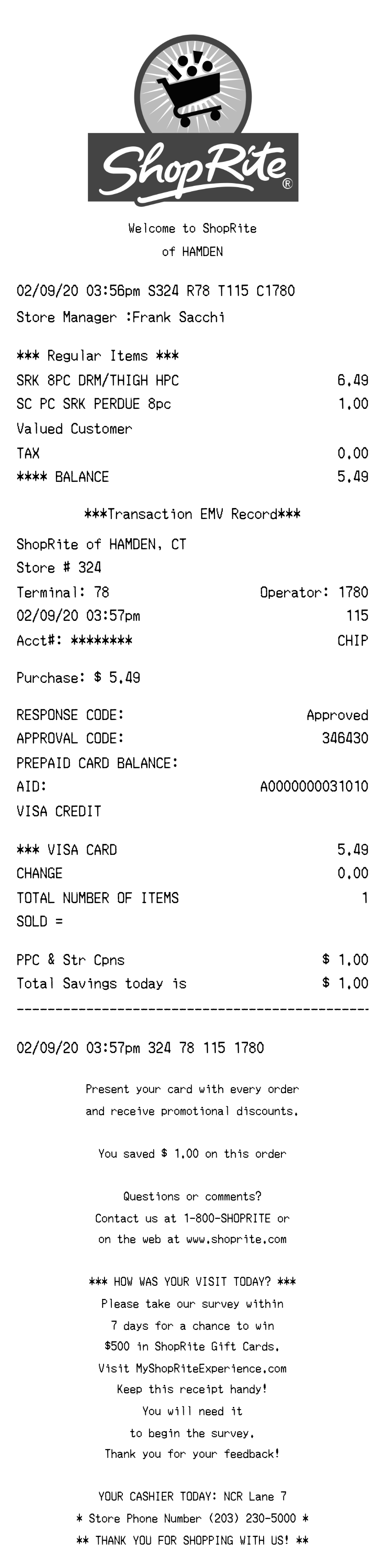
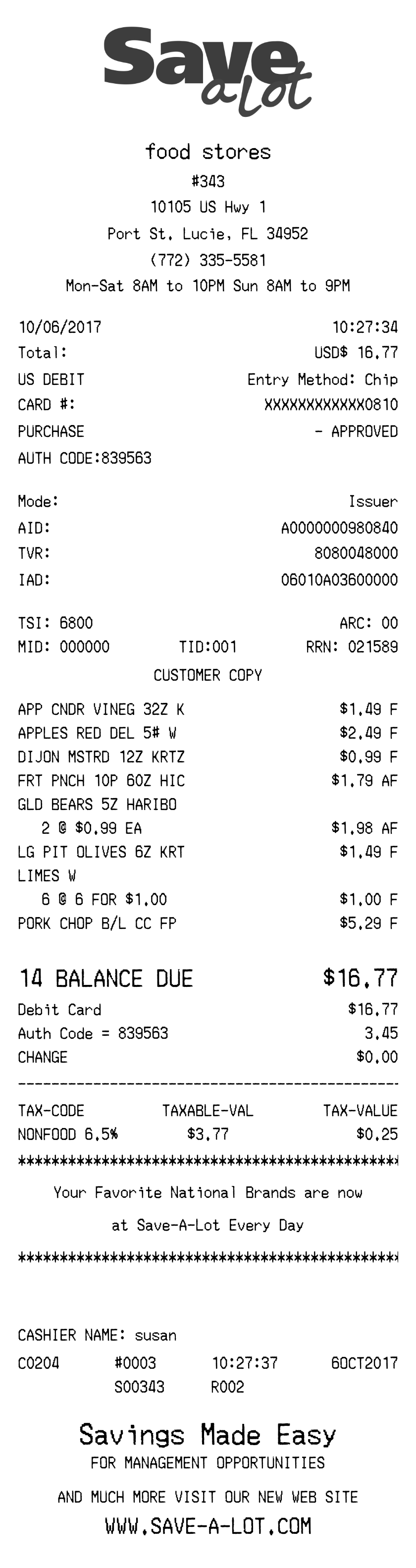
More Grocery Receipt Templates
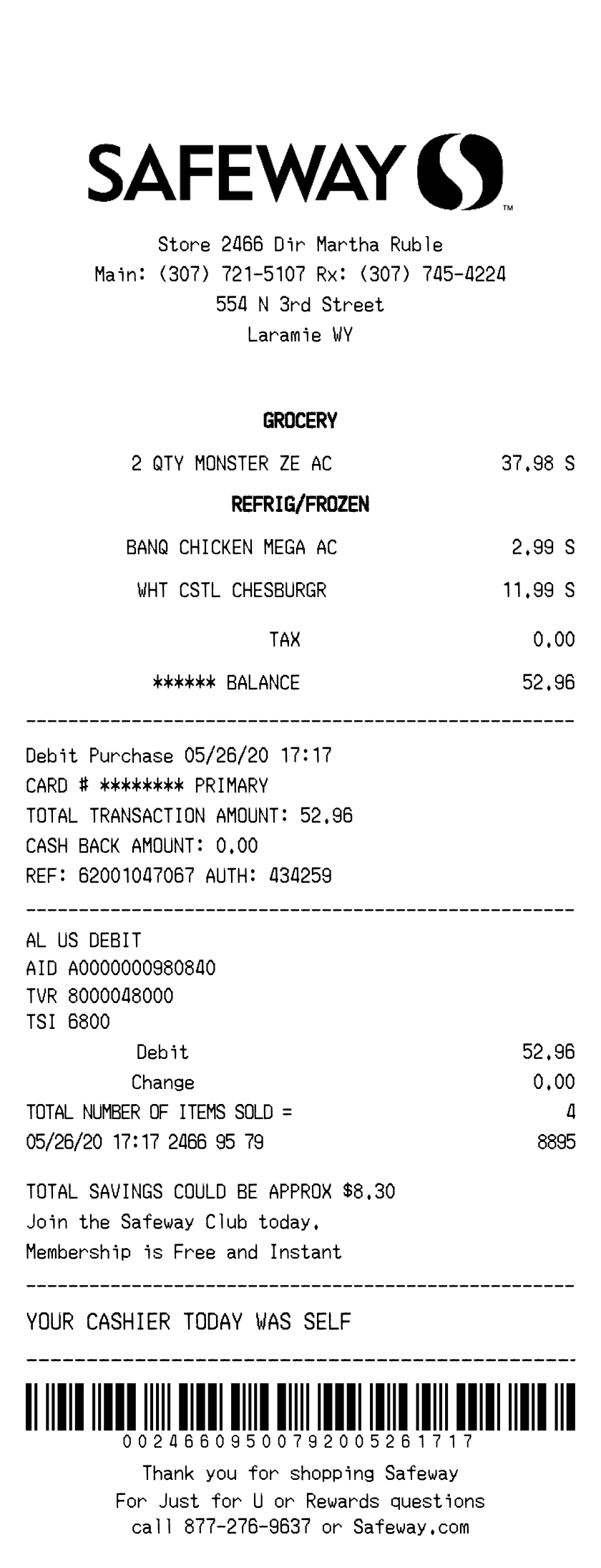
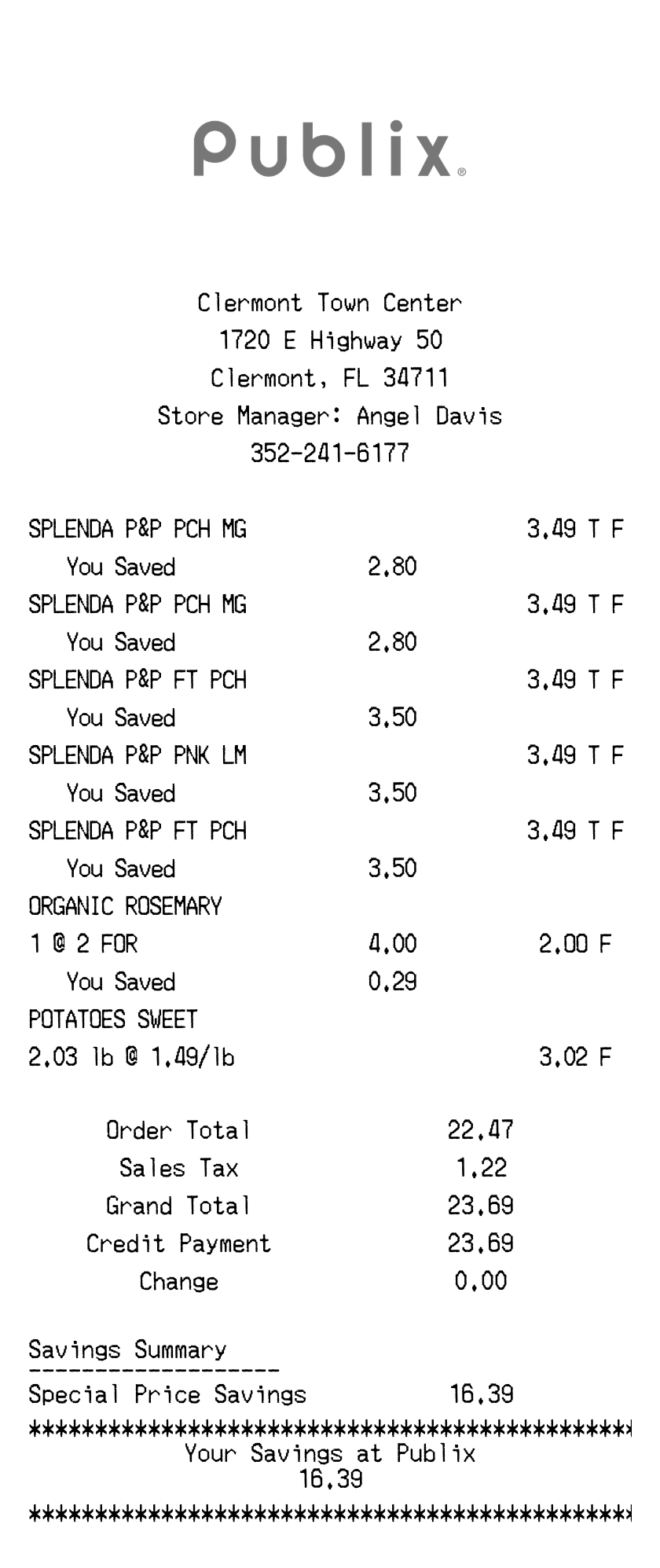
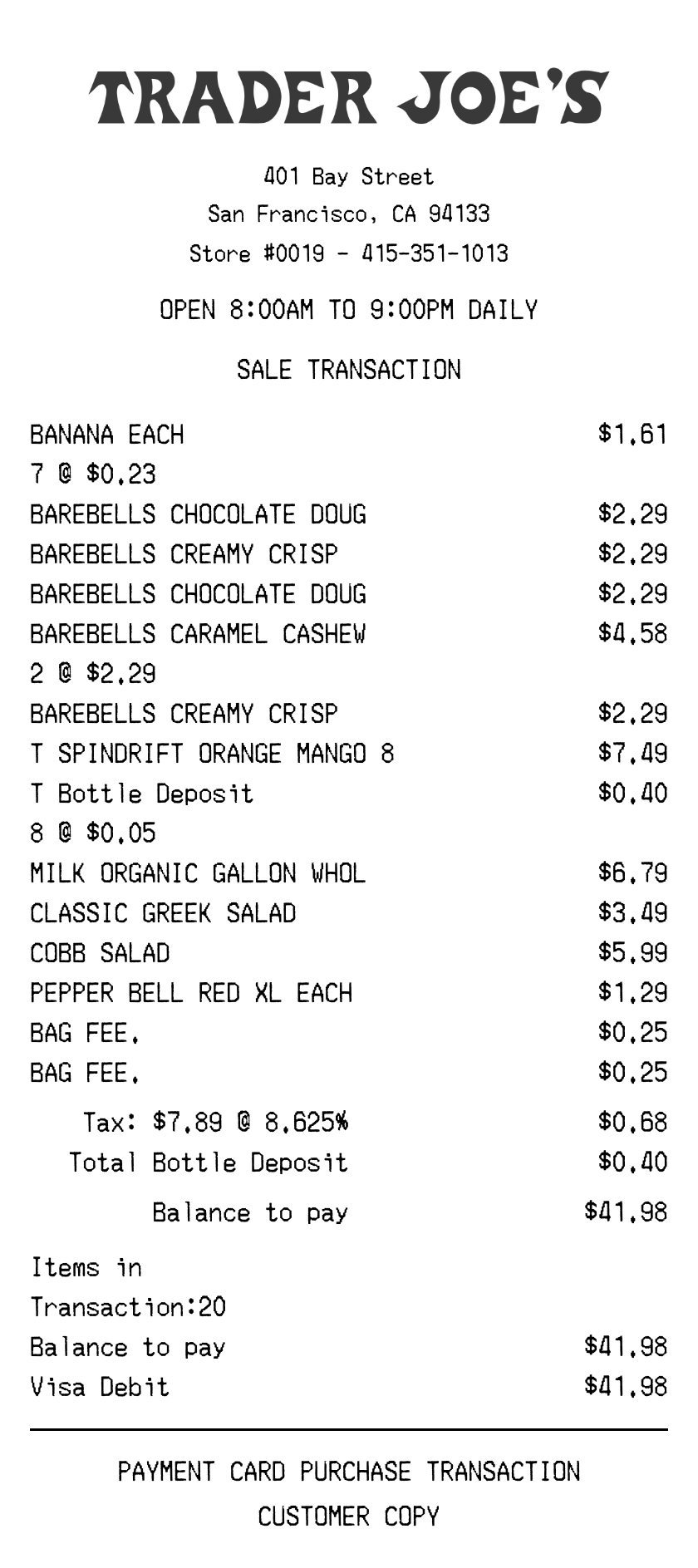
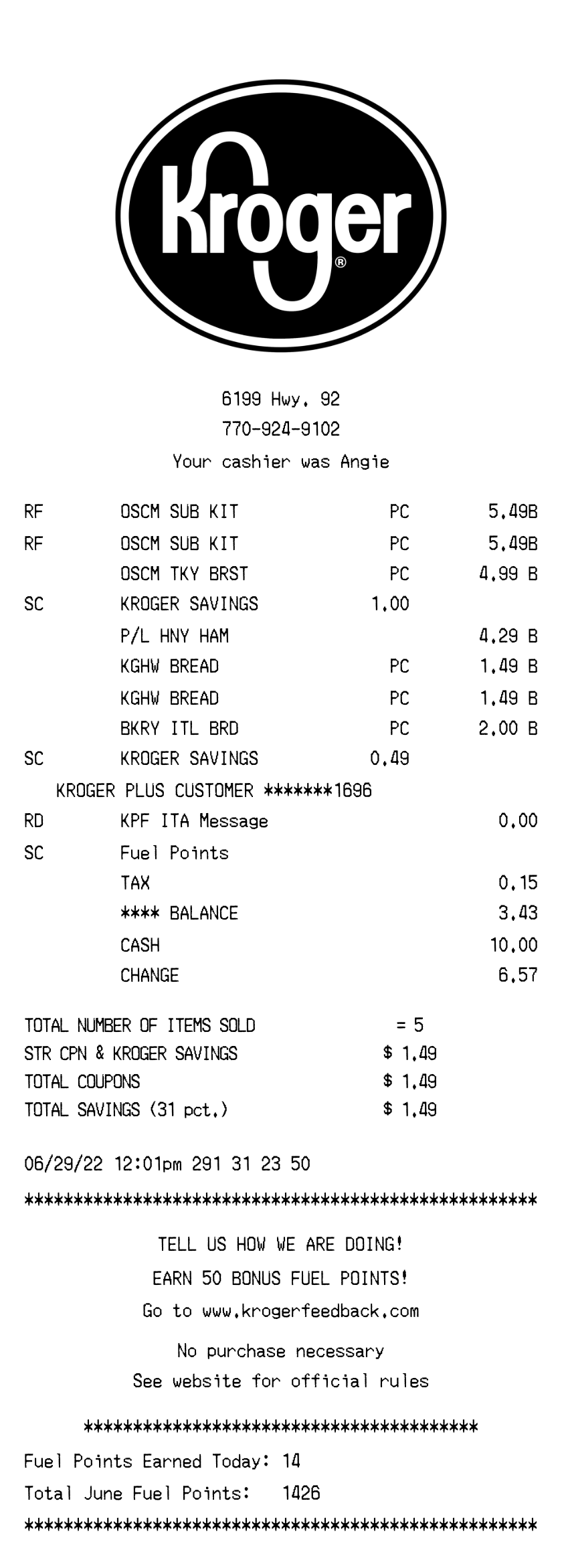
Explore other receipt templates in this category
How to make a Whole Foods Receipt
Create your receipt in three simple steps
Choose Template
Select Whole Foods Receipt or browse 280+ other receipt templates
Customize Details
Edit business info, items, prices, and payment details
Download & Use
Export as PDF or PNG ready to print or share
Frequently Asked Questions
Common questions about the Whole Foods Receipt generator